Live chat on your site
Visitors can message you directly from any page.
WordPress integration
Add live chat to your WordPress site in minutes. Receive visitor messages, reply from Telegram and manage support in one dashboard.
Version 1.0.0 · ZIP · 72 KB
Downloads will open after we verify the plugin connection to Supportly.
The plugin is being prepared for WordPress.org review. Until then, it will be distributed directly by Supportly.
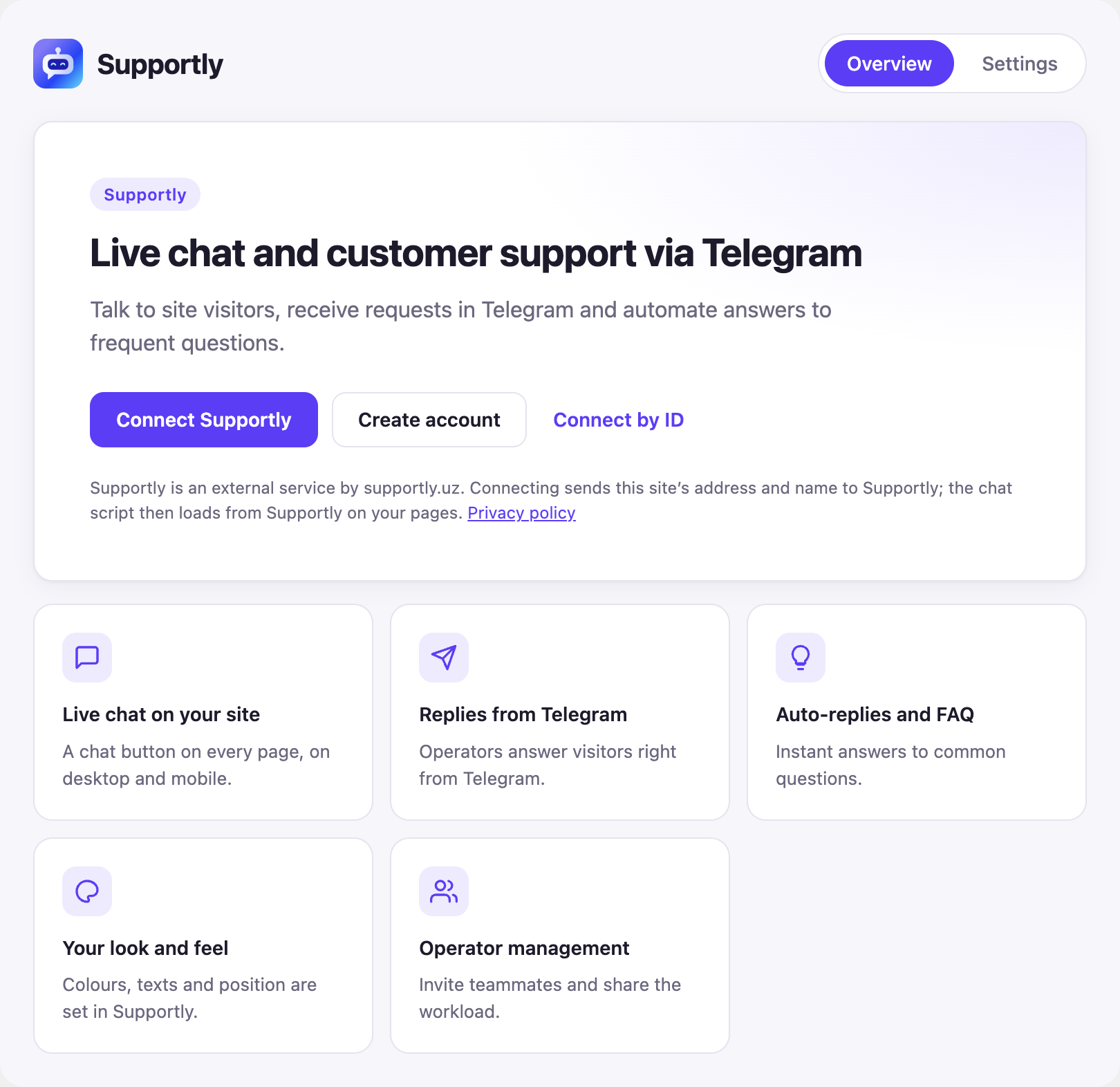
01 / Supportly
Visitors can message you directly from any page.
Receive requests and reply to customers through Telegram.
Automate answers to common questions.
Install the plugin, connect Supportly and manage the widget in your dashboard.
02 / WordPress
Real WordPress screens for connecting, checking status and changing settings.
03 / WordPress
A few steps are all it takes to put live chat on your site.
Download the Supportly ZIP file. There is no need to unzip it.
Go to Plugins → Add New → Upload Plugin. Select the ZIP, click Install Now and then Activate.
Open Supportly in the WordPress menu, click Connect Supportly, sign in, select a widget and approve the connection.
Open your site, send a test message and find it in Supportly. If Telegram is connected, check the operator reply there.
This is an alternative method. In Supportly → Widgets, copy the public ID under the widget name (starting with wpk_live_) and paste it into WordPress → Supportly → Connect by ID. Add your site domain to the widget’s allowed domains.
04 / Supportly
05 / FAQ
Installing the plugin is free. Supportly usage depends on your plan.
No. You can install and connect the plugin from the WordPress admin area.
Yes. Sign in to Supportly and select an existing project and widget.
Yes. Connecting by public widget ID is available as an alternative.
Revoking integration access does not always hide the public widget. Turn off chat display in WordPress to remove it.
The plugin is being prepared for publication in the official WordPress.org directory.
We plan to maintain and update the plugin. Automatic updates are not available yet.
Install the plugin, connect your account and start talking to site visitors.